Compare a Manual Timer's Count-Up and Countdown Modes
A manual kitchen timer typically offers two distinct operating modes: countdown, where you set a target duration and the timer counts toward zero, and count-up, where the timer starts from zero and runs forward until you stop it. Choosing the right mode before you begin a small-batch home-cafe session matters because each mode shapes how you monitor and respond to elapsed time. This article walks through how to identify, select, and verify each mode on a dial or digital manual timer, using a single illustrative brewing plan as a worked example. Steps here describe a technique, not a laboratory-tested result.
Read the note ↓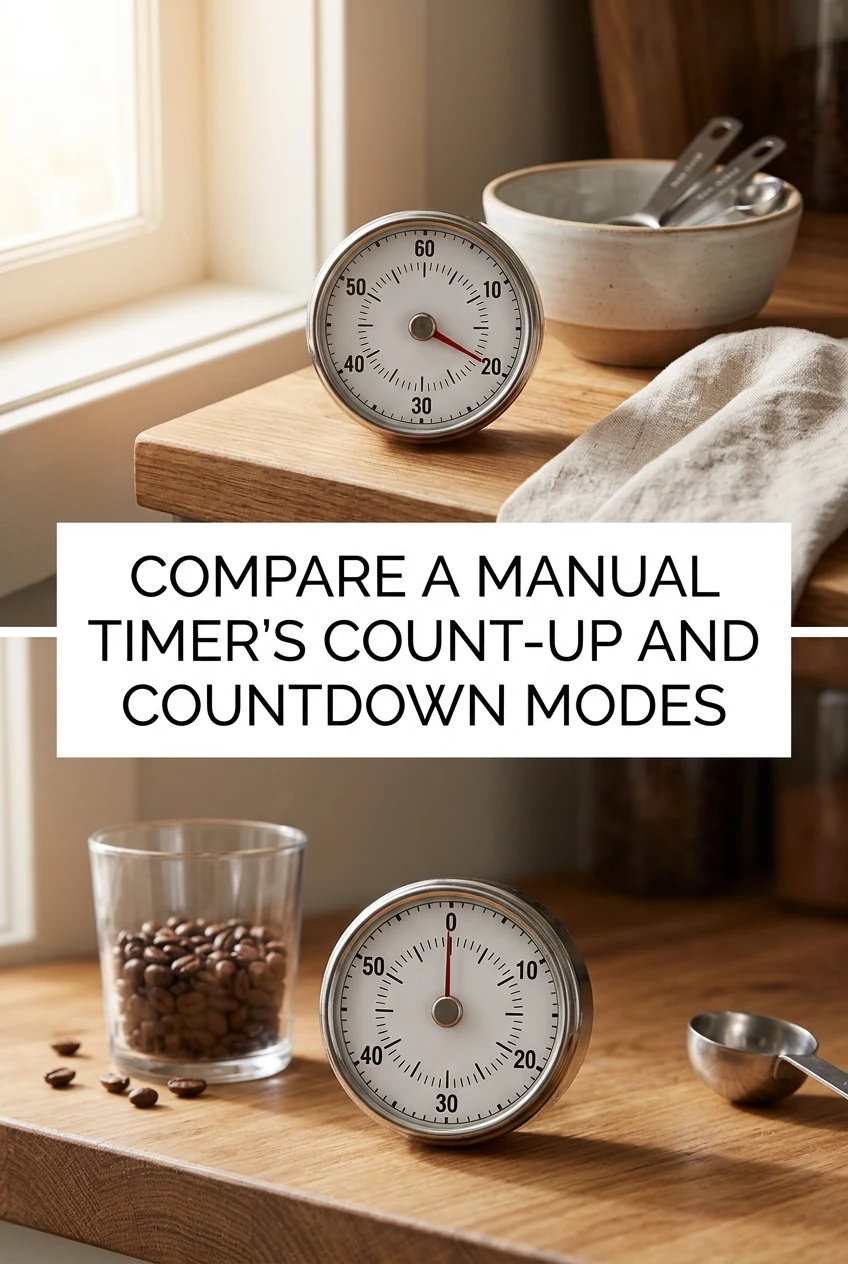
AI-generated editorial concept created for this article. The image is not a technical diagram or a tested result.
Understand What Each Mode Does
In countdown mode you pre-set a duration, press start, and the display decreases toward zero, triggering an alert when it arrives. This is useful when you have a fixed target time in mind and want an automatic signal at the end. In count-up mode the display starts at zero and increases continuously; you watch the numbers and stop the timer yourself when you decide the elapsed time is sufficient. Count-up mode suits situations where the ideal stopping point is variable or when you want to record exactly how long a step actually took. Neither mode is universally superior; the choice depends on whether you are working toward a fixed endpoint or observing an open-ended process.
Locate and Select the Mode on Your Timer
Dial timers with a single rotating knob operate only in countdown mode: turn the dial past the halfway mark and back to your target, then release. If your timer has a dedicated mode button, the display or an indicator light will change to show which mode is active; consult your timer's printed instruction sheet to confirm the label your model uses, because terminology varies by manufacturer. On many digital manual timers a short press of the mode button cycles between countdown and count-up; a long press may reset the current mode without switching it. Always verify the mode label on the display before you start, and always follow your specific timer's maker directions rather than assuming a universal button sequence.
Verify the Alert Before You Begin
Before committing to a brewing session, run a brief test. For countdown mode, set a short duration such as ten seconds, press start, and confirm the alert sounds at zero. For count-up mode, start the timer and let it run for ten seconds, then press stop and confirm the display held the elapsed reading. If the alert does not sound during the countdown test, check the volume switch or battery level as described in your timer's manual. A silent alert during an active brew can cause you to miss your intended stopping point, so this thirty-second verification step is worth doing at the start of any new session.
Worked Example: A Small-Batch Loose-Leaf Tea Session
This is an illustrative plan, not a tested result. Suppose you are preparing two small cups of loose-leaf green tea and you want to compare how each timer mode feels in practice. For the first cup, you choose countdown mode. You consult the tea vendor's recommended steep range printed on the packaging, select a duration within that range, set the timer, and pour your hot water. The timer counts down and alerts you when time is up. For the second cup, you switch to count-up mode. You pour the water, press start, and watch the display. You stop the timer when the color and aroma seem right to you, then note the elapsed time on a small notepad for future reference. Comparing the two experiences helps you decide which mode fits your personal workflow. The tea vendor's guidance, not this article, determines any steep time you choose.
Prompt Handling of Any Milk or Dairy Additions
If your home-cafe session involves a milk-based drink, such as a latte or a chai prepared with dairy or a halal-certified plant milk, time management extends beyond the timer itself. Pour only what you will use immediately. Any unused heated milk should be cooled promptly and refrigerated; do not leave it at room temperature for an extended period. If you are flavoring a cold drink with a vanilla syrup, confirm the product label states it is alcohol-free before use. No invented shelf life is given here; follow the storage instructions printed on the product packaging for all perishable ingredients.
A little more
to know.
Can I use count-up mode if my timer only has a countdown dial?
A single-knob dial timer is designed for countdown use only; it does not offer a count-up function. If you need count-up capability, use a separate stopwatch or a digital manual timer that explicitly lists count-up as a feature in its maker's documentation.
What should I do if the alert sounds but I am not ready to stop the steep?
In countdown mode, once the alert sounds the timer has reached zero and will not continue counting automatically on most manual models. If you want to extend the time, restart the timer with an additional short duration. Alternatively, switch to count-up mode for that step so you can observe elapsed time continuously and stop when you judge the result is right, without relying on a pre-set endpoint.
Original editorial guidance and recipe formulations, not independently kitchen-tested. Times are estimates and depend on equipment and product directions. Cooked bases need additional cooling and refrigeration before cold serving. Images are AI-generated illustrations; appearance and yield may vary. Check actual ingredient labels, allergens, and any certification you require. We do not certify products. Read our approach.
Save to Pinterest ↗ANOTHER IDEA FOR THE COUNTER